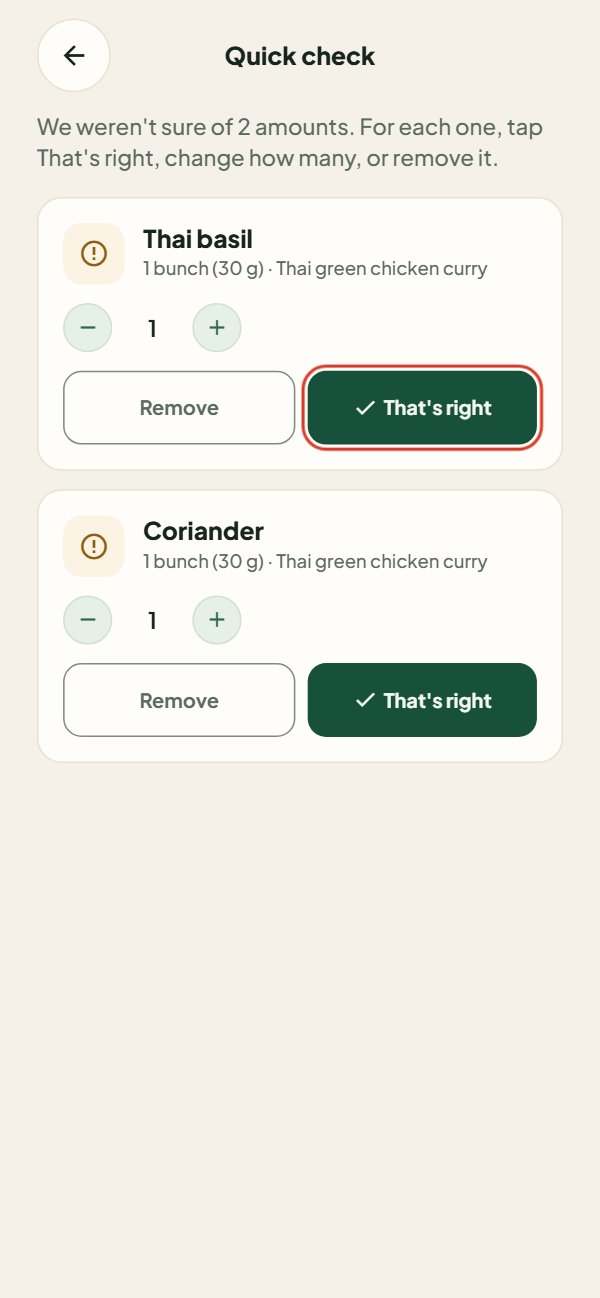
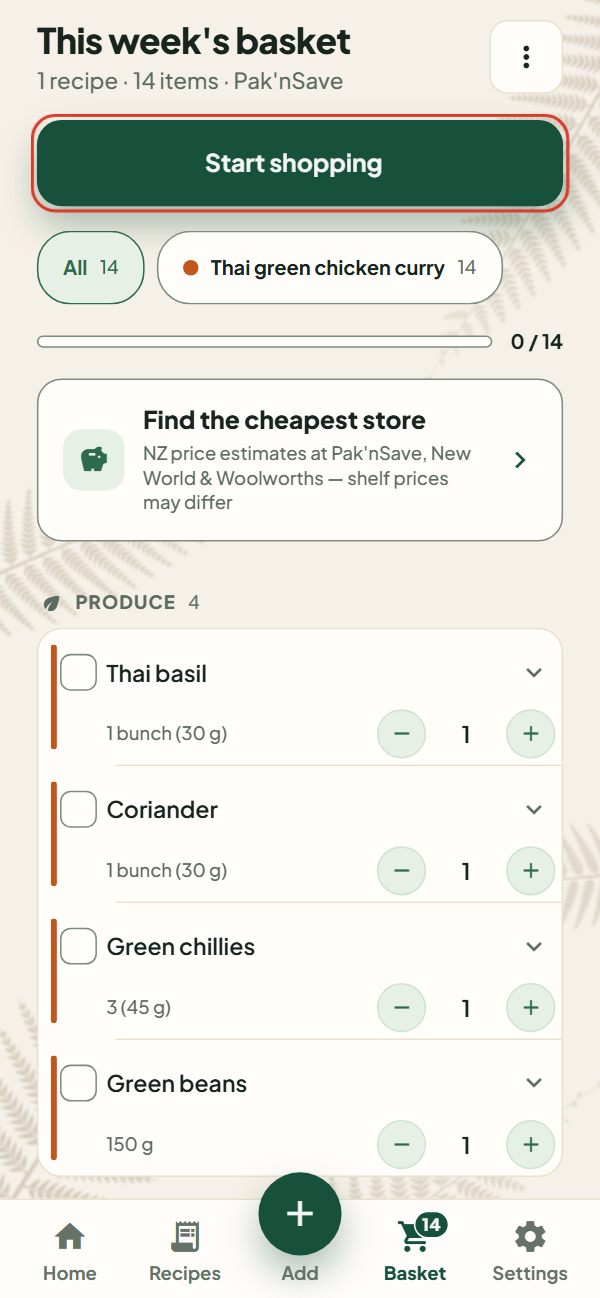
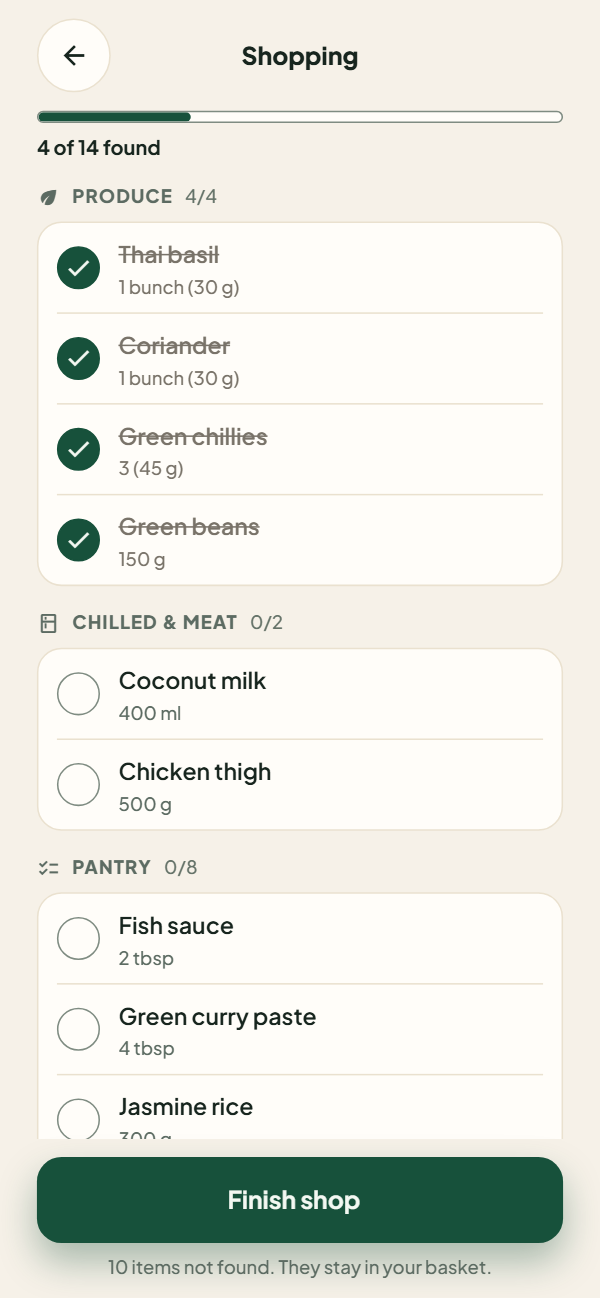
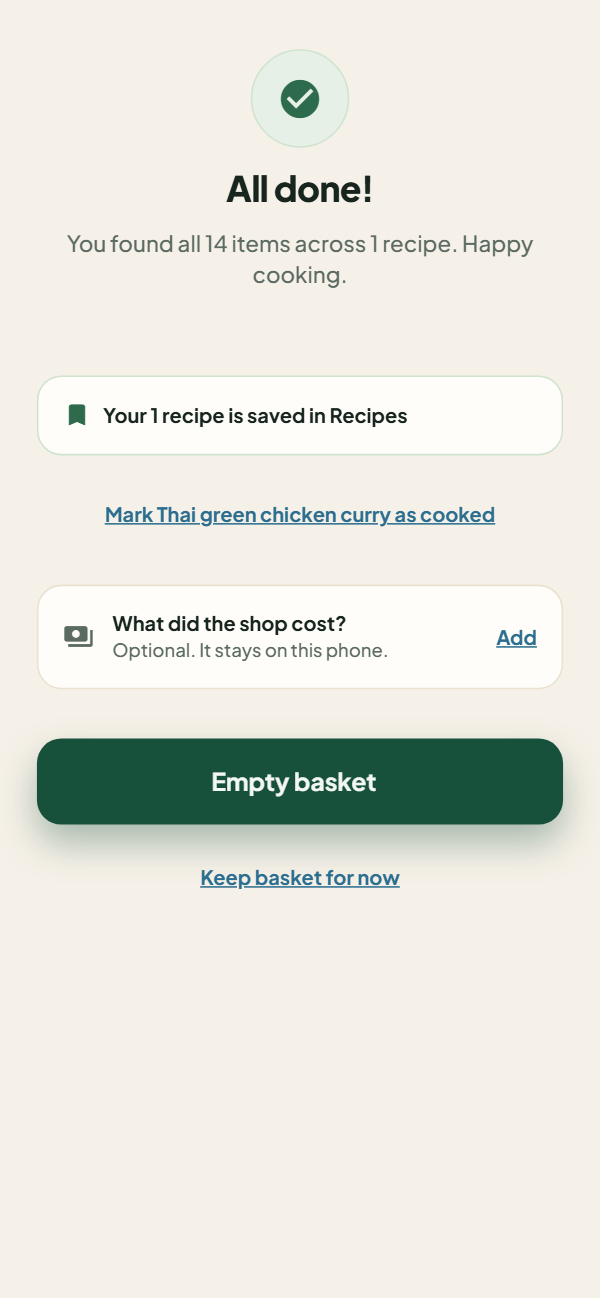
Which New Zealand supermarkets does it compare?
Pak'nSave, New World and Woolworths. You can set a default store during setup and change it any
time, and the app finds nearby branches when you search by suburb, postcode or store name. It
never asks for your phone's location.
Are the supermarket prices accurate?
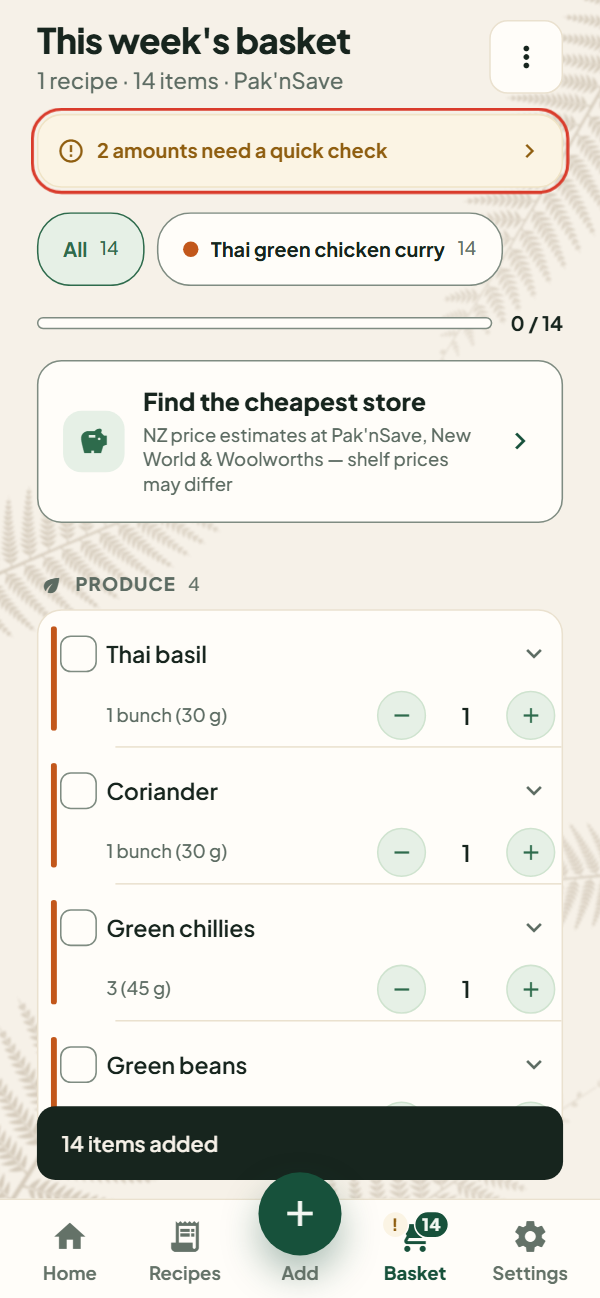
They are AI estimates, not live store prices, and the app says so on the screen. No New Zealand
supermarket publishes a public price feed, so the comparison is there to help you choose where to
shop rather than to predict your receipt. Everyday items start from Stats NZ's monthly average
retail prices, used under its Creative Commons Attribution 4.0 licence, and the rest is estimated.
Totals are shown as approximate, the winning store is marked as likely cheapest, and what you pay
at the shelf can differ. When you finish a shop you can tell the app what it cost; that stays on
your phone and is shown beside later estimates, and you can choose to share the total anonymously
to help improve them.
Can I add a recipe from a YouTube video?
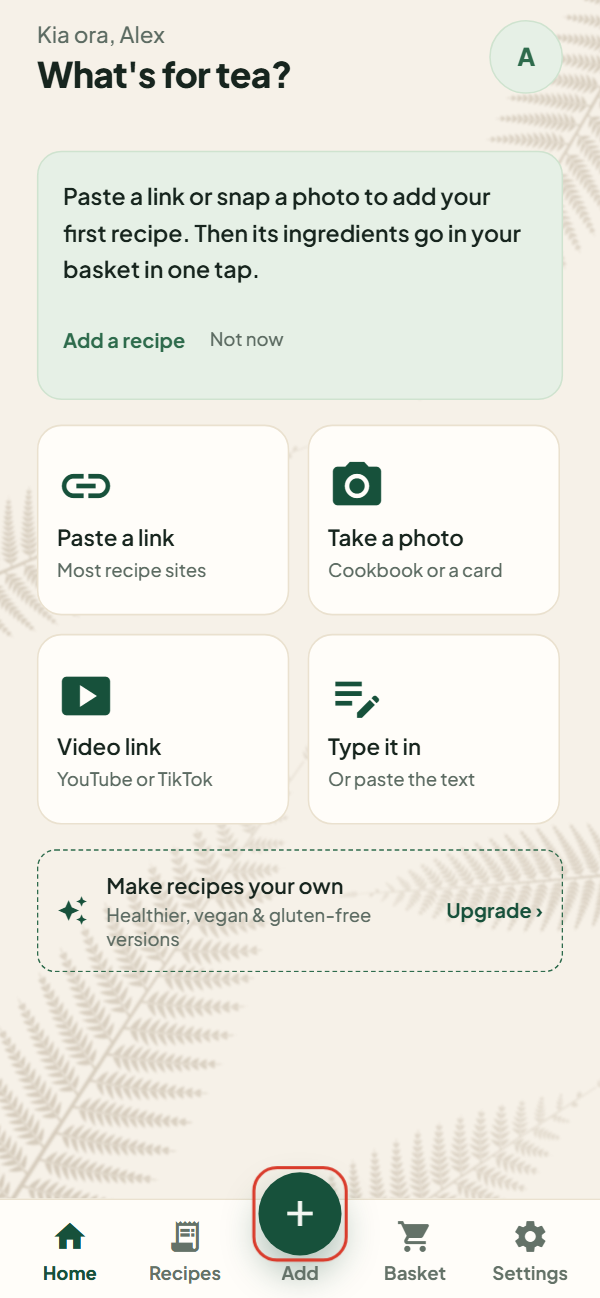
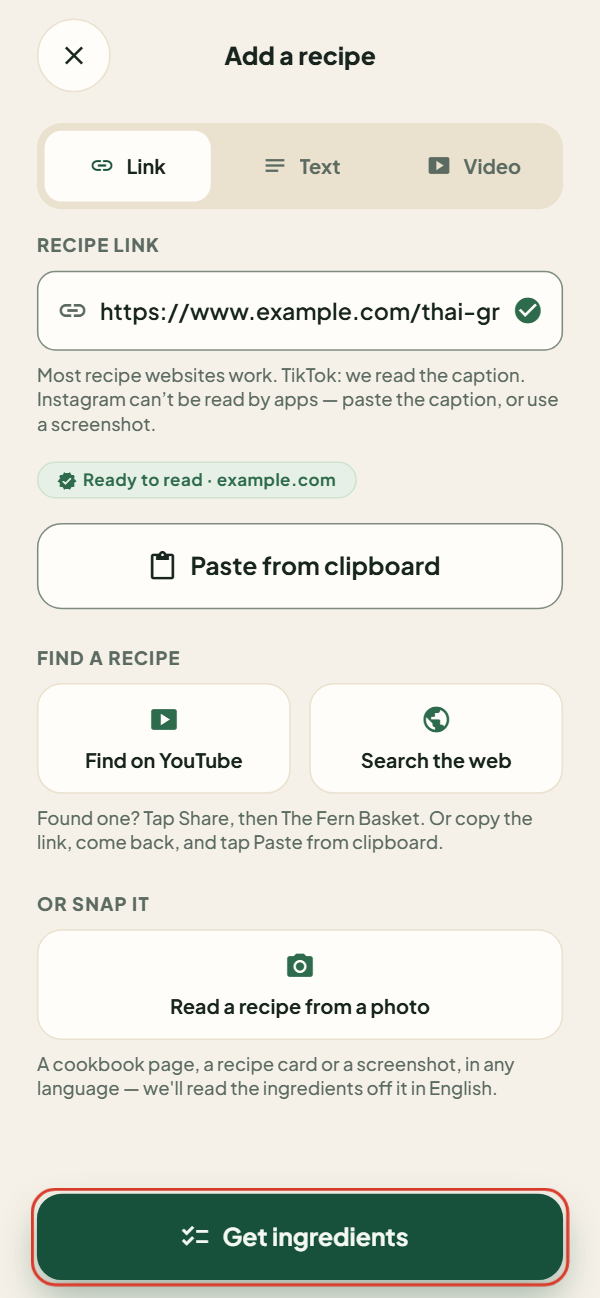
Yes. Send a YouTube link and the app reads the description, then any recipe page it links to, and
watches the video if it has to. Links to recipe pages, plain pasted text, and photos of cookbook
pages or recipe cards all work too, and a recipe in any language comes out in English. Instagram
links cannot be read by apps, so for those the app asks you to copy the caption and paste it as
text. If you have nothing in mind yet, Find on YouTube opens a YouTube search for New Zealand
recipes, and Search the web searches twelve New Zealand recipe sites the app is known to read,
with a list of more to browse.
Does the shopping list work without internet?
Yes. Browsing your saved recipes, building and editing baskets, shop mode and sharing a
list are all local to your phone by design. A connection is needed to add a new recipe,
compare prices or find stores.
Does it help with the cooking too?
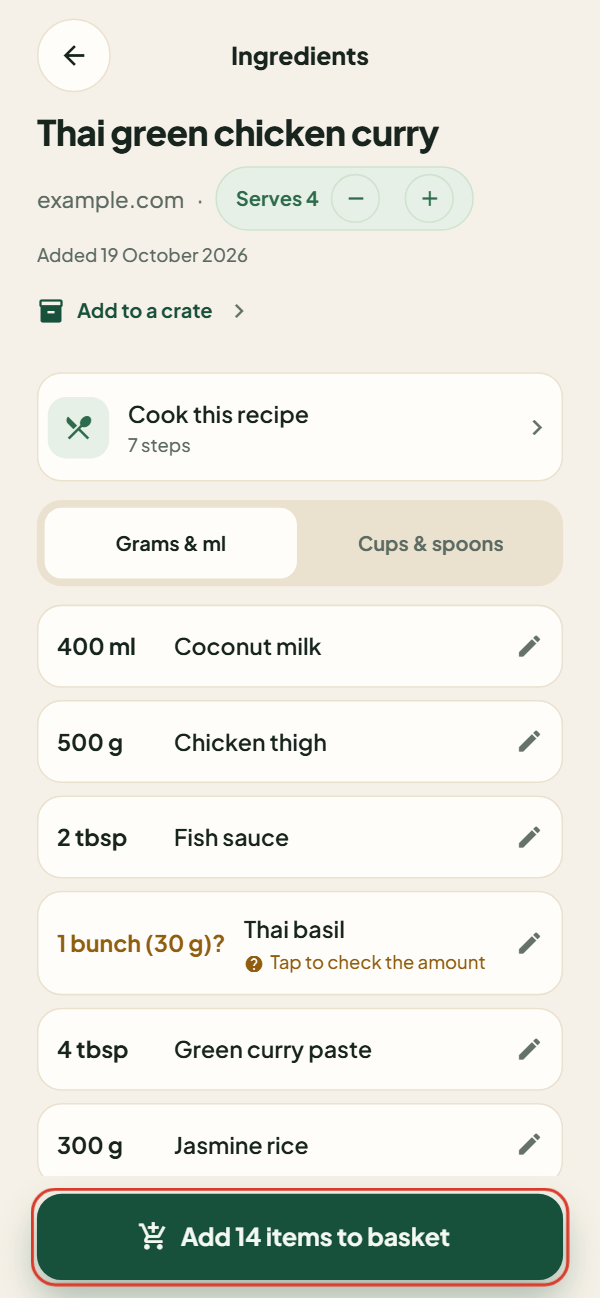
Yes. Where the recipe has a method, it comes in as cooking steps, one per line, in the same units
as the ingredient list, and a note at the top of the recipe points you to them. A recipe that was
only an ingredient list has none. Tap a step to tick it off as you go. A step that states a time,
such as simmer for 10 minutes, offers a timer: while it runs, a countdown sits in your phone's
notifications with the step it belongs to, and tapping it takes you back to that step. It rings
even with the app closed. You can also turn on a weekly reminder in Settings to plan the week's
shop; it is off until you choose a day and time.
Can I organise my recipes?
Yes. Recipes sort into crates: named collections such as Favourites or Weeknights. The app makes
Favourites for you; add your own from the Recipes screen, and put a recipe in as many crates as
you like. Removing a crate keeps its recipes, and every change can be undone. Crates sync with
your recipes when you are signed in.
Can it adapt recipes for vegetarian, vegan, gluten-free or dairy-free diets?
Yes, as part of Premium. The app swaps ingredients one at a time so you can accept or skip each
change, and it tells you honestly when a dish changes so much that it is really a different meal.
Swapped ingredients go straight into your basket, and where the recipe has cooking steps they are
rewritten for your swaps and checked for mistakes, with the original steps kept too. You can also
record preferences such as nut-free, halal, kosher, low-FODMAP, keto and others.
Is The Fern Basket free?
Yes, with a monthly allowance. A free account gets 20 recipe imports from links, photos and text,
and 2 video imports, each calendar month. Importing and price checks need that free account, which
only takes your email. Everything else is free with no limit: every recipe you save, crates to
sort them into, your basket, Quick check and Shopping, all working offline, cooking steps and
timers, price estimates at Pak'nSave, New World and Woolworths, and sync across your devices.
Premium removes the monthly import limit, videos included, and adds the recipe rewriting:
healthier and lower-calorie versions, vegetarian, vegan, gluten-free and dairy-free versions, with
the cooking steps rewritten to match where the recipe has them. It is a monthly or annual
subscription through Google Play or the App Store; if a free trial is offered to you, its length
is shown before you start it, and you can cancel any time in the store, which Settings takes you
to. Prices are shown in the app.
Do I need an account?
To import a recipe or check prices, yes: a free account, because the monthly allowance is counted
per account and each check costs us a model call. You sign in with your email and a one-time code;
there is no password. Your saved recipes, your basket and shop mode work without signing in, and
signing in also syncs your recipes, baskets and settings across your devices.
What data does the app collect?
No analytics, no advertising identifiers, no contacts, no device identifiers, and it never asks
for your location: you find your store by typing a suburb, postcode or store name. It asks for the
photo library or camera only when you import a recipe from a photo, and for notifications only
when you set a cooking timer or the weekly reminder. Dietary and allergy tags stay on your device
even when you are signed in. The full
privacy policy sets out the detail, and there is a page on
how to delete your account.
Is it available outside New Zealand?
Not yet. The store comparison and nearby-store lookup are built around New Zealand
supermarkets, so the app is New Zealand only for now.
When is it coming to the App Store and Google Play?
It is not published yet. When it is, the download links will appear at the top of this
page. You must be at least 16 to use The Fern Basket.